- API Key Authentication
- Change Proxy IP
- List Available Locations
- Change Proxy Location
- Change Proxy IPv4 Rotation
- Change Proxy IPv4 Whitelist
- Append Proxy IPv4 Whitelist
- Get IP Auth info
- IOS
- MacOS
- Android
- Windows
- FoxyProxy
- SwitchyOmega
- Chrome
- Firefox
- Brave
- AdsPower
- Multilogin
- GoLogin
- Bit Browser
- Ghost
- Sphere
- Clone Browser
- Octo
- Incogniton
- Dolphin
- AntBrowser
- VMLogin
- HideMyAcc
- Accepted Payment Methods
- IP Blocking
- IP Whitelisting Authentication
- IP Rotating
- Scrapy with ProxyPanel
- Buying with Cryptocurrency
- Selenium with ProxyPanel
- Urllib3 with ProxyPanel
- Requests with ProxyPanel
- Playwright with ProxyPanel
- HTTPX with ProxyPanel
- Beatutiful Soup with ProxyPanel
Integration
GoLogin
GoLogin offers a comprehensive solution for integrating proxies, managing browser fingerprints, and handling accounts. It empowers individuals and businesses to navigate the internet securely, enhance privacy, and boost productivity.
Setting up proxies using GoLogin
Download the GoLogin application, then open it and sign up to create your first profile.
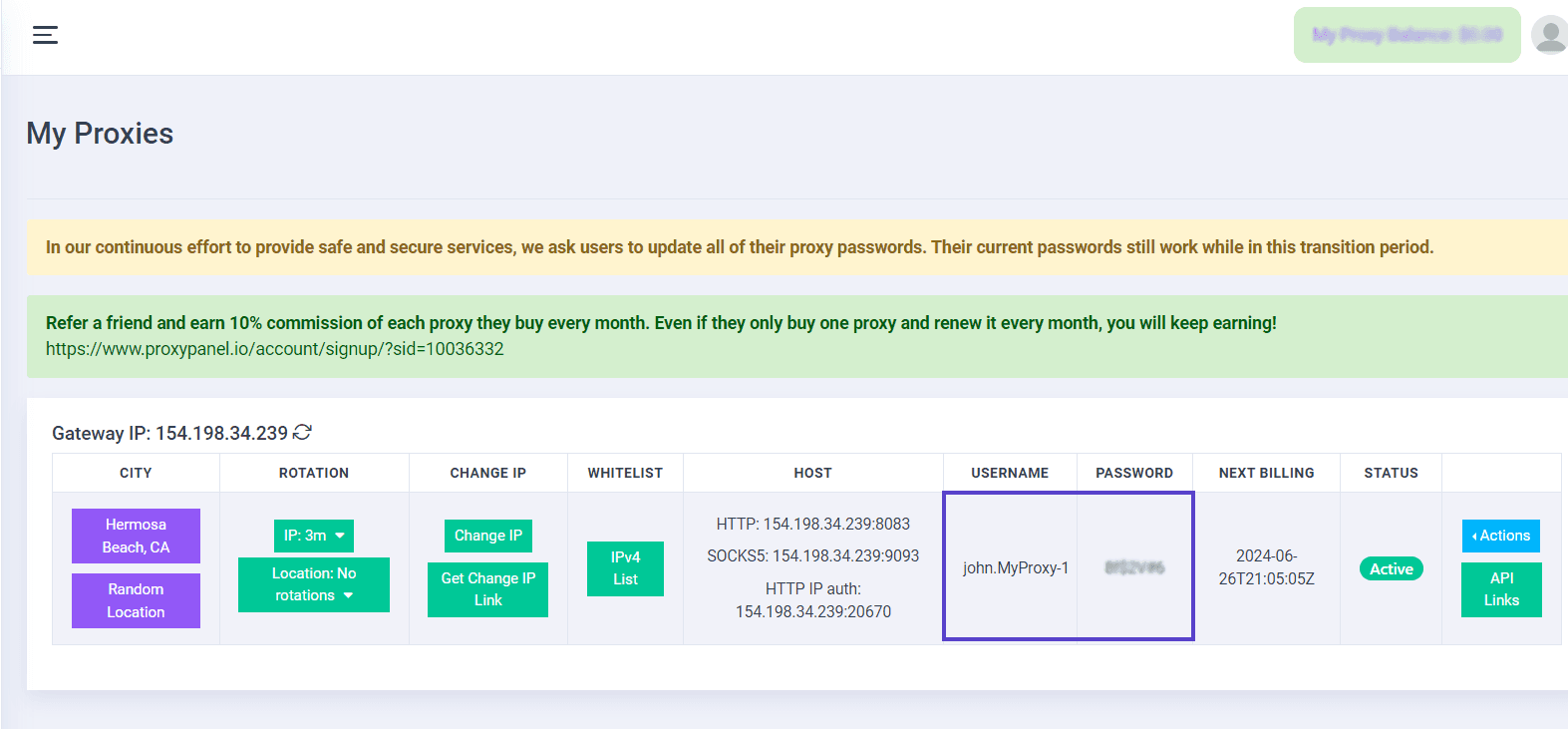
Go to your Dashboard panel and navigate to the "My Proxy" section to view your IP information.
Click on the "Show Password" button and enter your account password to display your proxy password.
In the window that appears, simply enter the required information for your proxy.

Create a profile: Click the “Create Profile” button to complete the setup.
That’s it! You’re all set. Click the “Run” button and wait for the browser to load.

Note: If you’ve completed all the steps correctly, opening http://myip.gologin.app will display your custom fingerprint information, which represents your new virtual identity.
Enjoy the benefits of enhanced anonymity and security with ease by selecting, entering details, testing the connection, and applying it to your accounts in GoLogin.